Score sheets
The clipboard counts.
Plenty of gyms will never plug a laptop in, and they should not have to. Wrestle the dual on paper, type the sheet in afterwards, and it becomes a real dual meet — in the standings, on both team pages and in every wrestler's record.
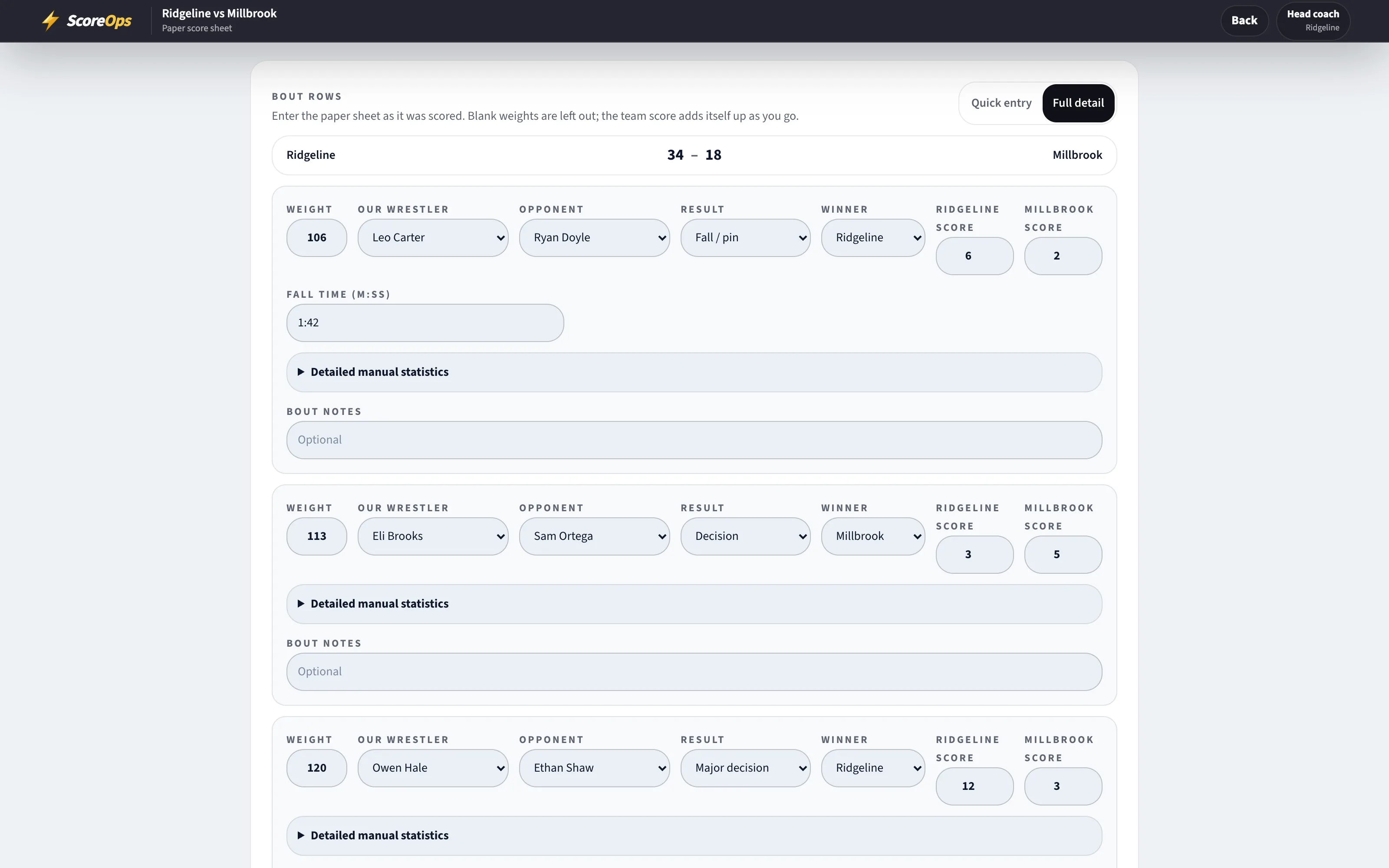
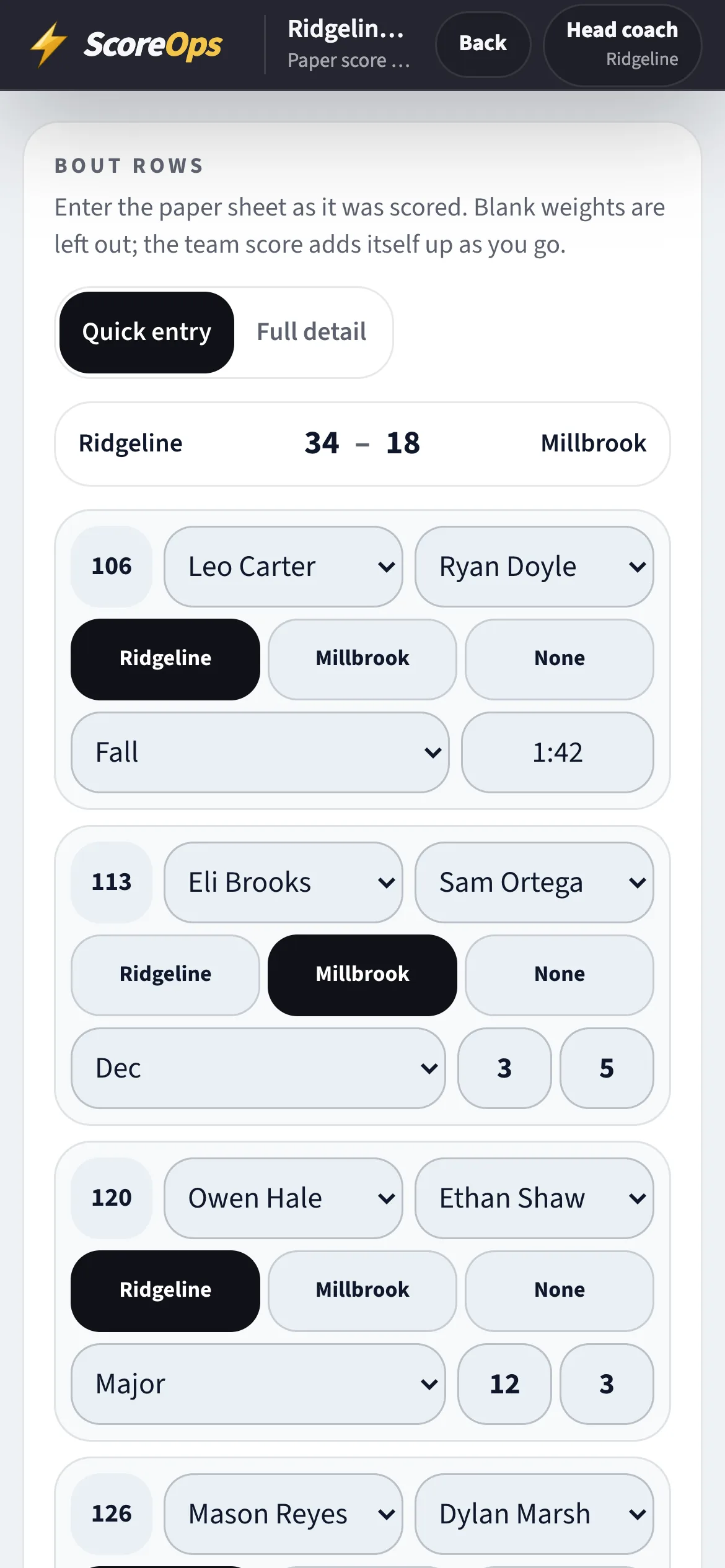
The dual as entered from the sheet, and the same entry on a phone at the mat side.
Quick entry
One row per weight.
Season, opponent, date, level — then work down the card the way the sheet is written.
- Pick your wrestler and theirs. If the other team is not on ScoreOps, type the name: it becomes an unclaimed wrestler that team can claim later.
- Winner and how: decision, major, tech fall, fall with the time, forfeit, default, injury default or disqualification.
- No wrestler for an empty side, double forfeit when neither team filled the weight, no contest when a bout should not count.
- Mark extra bouts exhibition — they show on a wrestler's record and never move the team score.
- Add the officials' team point deductions if there were any.
Shortcuts
Faster than the second time you type it.
Same lineup as last dual
A photo of the sheet
It refuses a second copy
Agreement
The other team gets a say.
- The opponent can confirm the sheet, or dispute it with a reason.
- The league reviews it and can approve it or return it with comments; a returned sheet can be fixed and sent again.
- A sheet nobody has approved, returned or disputed for 48 hours is approved on its own, so one quiet league office cannot hold up the standings.
- A disputed sheet never auto-approves. It waits for the league.
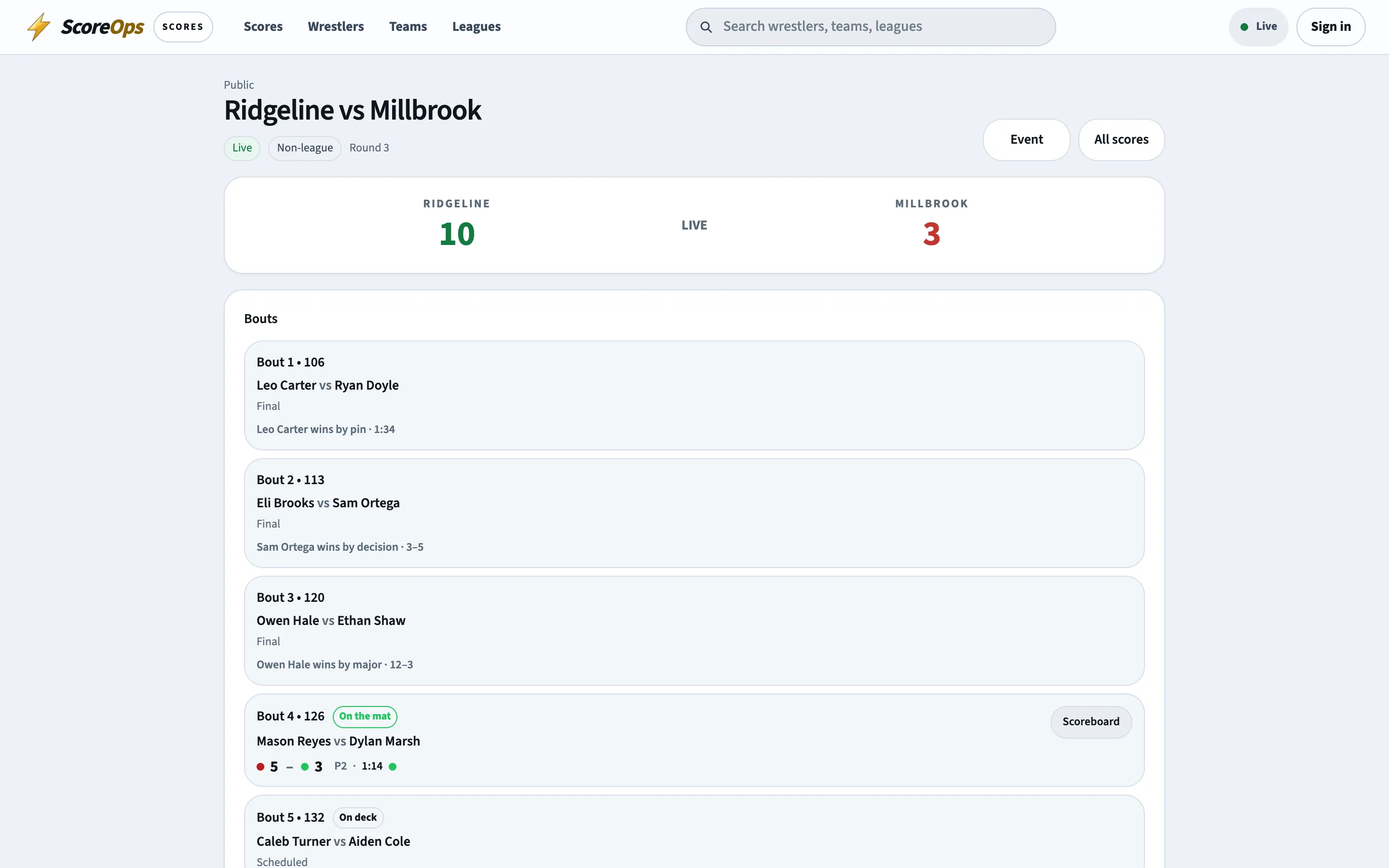
- Once approved, the dual, both teams' standings and both rosters' records move together.
Import
Bring the season you already wrestled.
Half a season on a spreadsheet, or results that were kept somewhere else, come in as a CSV — one row per bout.
- Columns for the date, opponent, level, weight, both wrestlers, the result, the winner, each side's score and the fall time; only the date, opponent, weight and result are required.
- Rows group into duals by date, opponent and level, and each dual arrives as a draft score sheet.
- Nothing publishes from the import: you open each draft, check it against the paper and submit it like any other sheet.
- Importing rows that already have drafts is refused, so running it twice does not double your season.
- League duals only — a non-league dual or a tournament placement is recorded on its own form.
Outside the league
Non-league duals and somebody else's tournament.
The meets that do not belong to your league still belong on your team page.
Non-league duals
Tournament placements
Never in the standings
How it works
From the clipboard to the standings.
- 01
Wrestle it on paper
Nothing changes about your match day. Keep the sheet the officials' table keeps. - 02
Open Submit results
In your team workspace — or, in the league office, Results and then Enter a result. - 03
Type the card
Season, opponent, date and level, then a row per weight. Reuse the last lineup if it fits. - 04
Attach the sheet
Photograph the paper so the record and the evidence live together. - 05
Submit it
The opponent can confirm or dispute, and the league can approve or return it. - 06
It becomes a dual
On approval it is a dual meet like any other: standings, team pages and wrestler records all update from it.
Keep the clipboard. Lose the spreadsheet.
A dual takes a few minutes to enter, and it is the last time anyone has to type it anywhere.