League seasons
Standings that add themselves up.
Set the season's rules once. Approve the teams and their rosters. Put the duals on a calendar. From there the table keeps itself, because the results your teams record are the standings — there is no second place they are copied to.
Season rules
Set the season once.
Every dual, weigh-in and standings row in the season follows what you put here. Start from a youth template with nothing enforced, or from one built around certified weights, and change any of it.
Weight classes
Team points
Levels
Eligibility
Eligibility
Your league's rules, or none at all.
A new league starts with nothing enforced: the weigh-in desk tells you what it sees and lets the coach decide. Turn on as much as your league actually rules on.
- Growth allowance by date, with extra pounds for a weekday dual or a tournament, and a cap on the total.
- A certified floor: how many hard weights count, by what date, and how far above their qualified class a wrestler may go.
- One weigh-in occasion counts once — a tri-quad is one, a tournament is one, and re-saving the sheet does not add another.
- Advisory or blocking, per season: warn the desk, or refuse the check-in.
Teams & rosters
Approve who is actually in.
- Approve a roster, or return it with comments saying what needs fixing — returning without a reason is not allowed.
- Late additions can be set to need your approval before they can wrestle.
- Let one wrestler into one dual without changing the roster: it waives being off the roster, not making weight, and it is written to the audit log, where an admin can see who allowed it.
- Every approval, return and exception is attributable to the person who did it.
Schedule
Build the schedule, or have it built.
Add duals one at a time, or generate a round robin across the whole league and edit what it produces.
- Single or double round robin. An odd number of teams gets a bye each round, and the second half swaps who is home.
- Give each round its date, time and venue; run it again later and only the duals that are missing are added.
- Tri-quads and multi-team scrimmages generate the pairings inside the event.
- League tournaments sit on the same calendar, run by a host team you name.
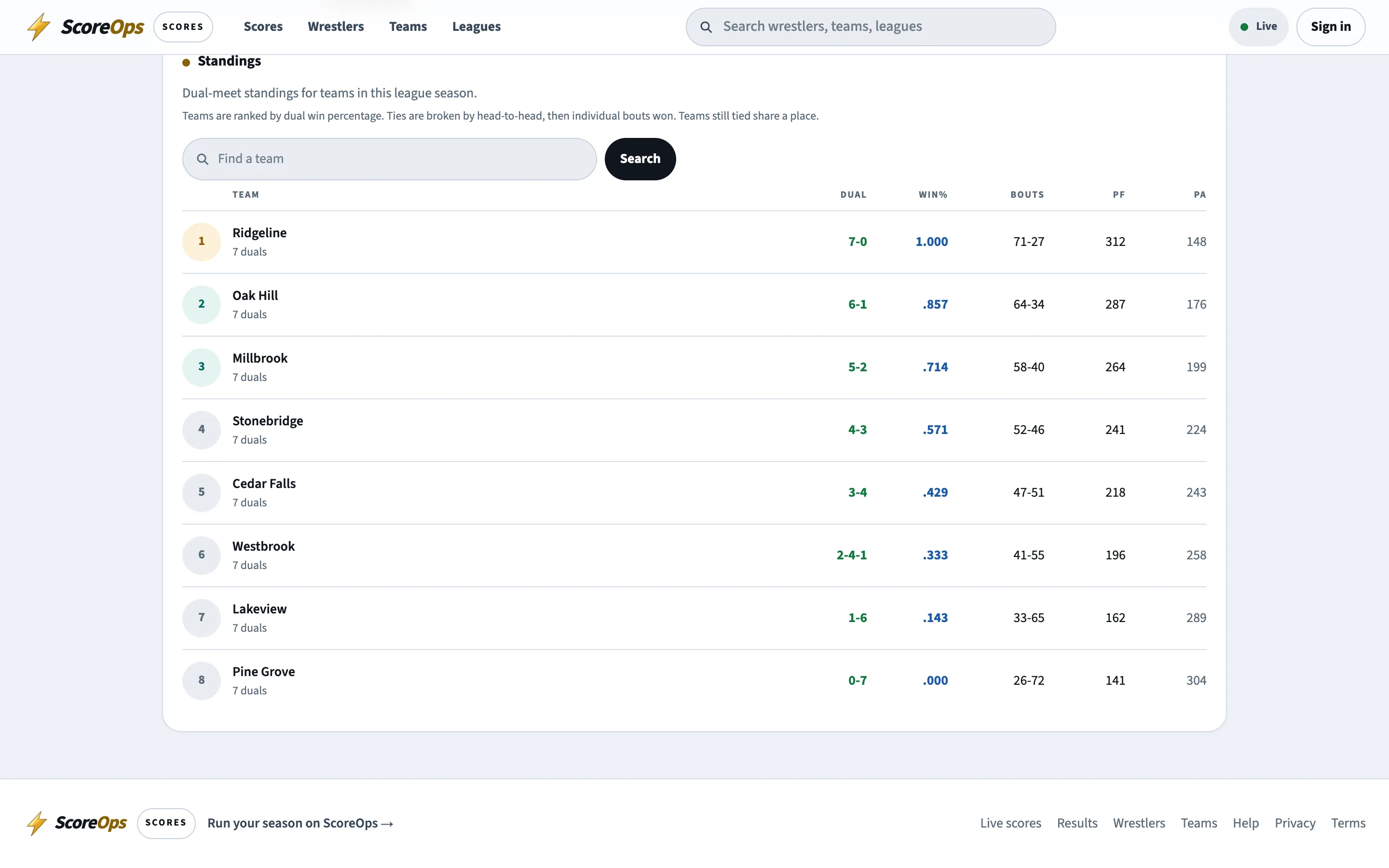
Standings
One table, one source.
- Dual record, win percentage, bout record and team points for and against, kept per level.
- Forfeits into an empty weight are counted from the card, and never counted twice.
- A correction to a finished dual flows through to the table without anyone editing it.
- The same numbers feed the public standings page and the league office.
End of season
Lock it, archive it, take it with you.
Lock
Archive
Export
None of it disappears from the public league page: the overview, schedule, standings, teams, wrestlers and results stay, and a closed season moves into the archive where families can still read it back.
How it works
A season, start to finish.
- 01
Create the season
Name it, set the weight classes, the team point values and the levels you run. - 02
Invite the teams
Teams join from their own workspace, and you approve who is in. - 03
Approve the rosters
Each team submits its roster. Approve it, or return it with what needs fixing. - 04
Build the calendar
Generate a round robin or add duals, tri-quads and league tournaments by hand. - 05
Let the results land
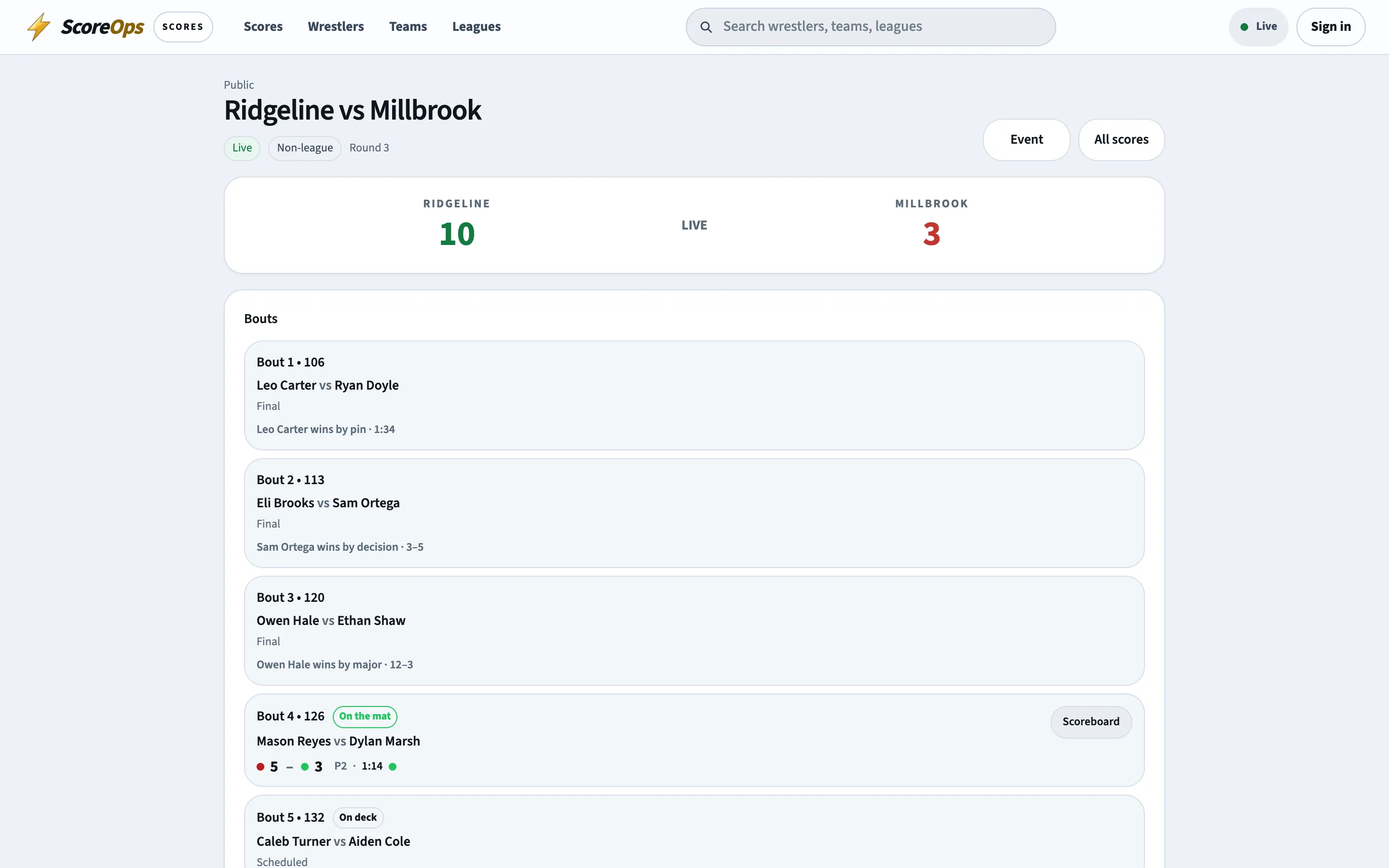
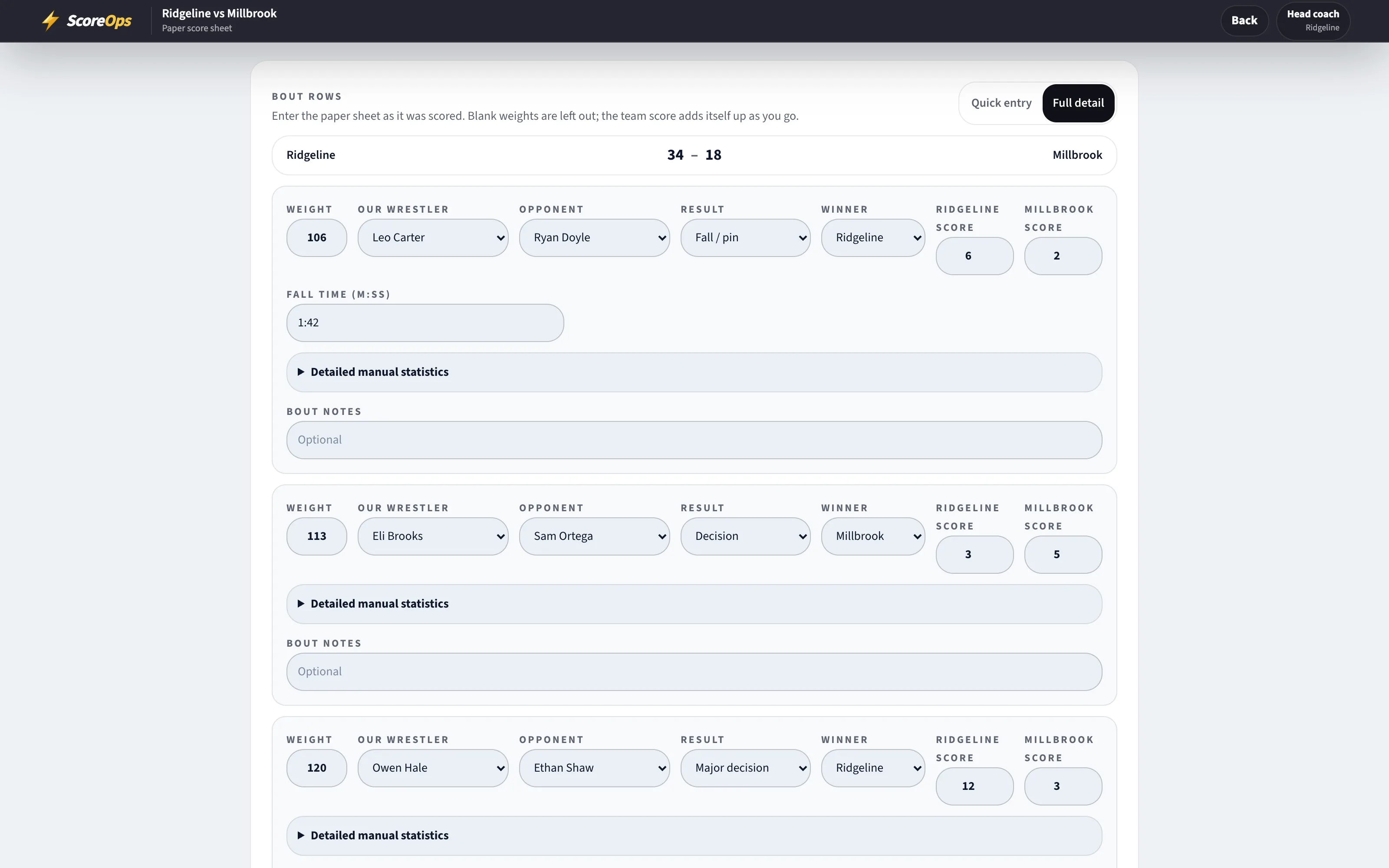
Teams score live or enter paper sheets. Standings move as duals are approved. - 06
Close it out
Lock the season, export what you need and archive it for the families who want to look back.
Bring the league into one place.
Start a trial and set the season up yourself, or tell us how your league is organised and we will walk you and your teams through it.