How-to videos
One job per video, most under two minutes, with captions. Each one sits at the top of the written guide for the same job.
For teams
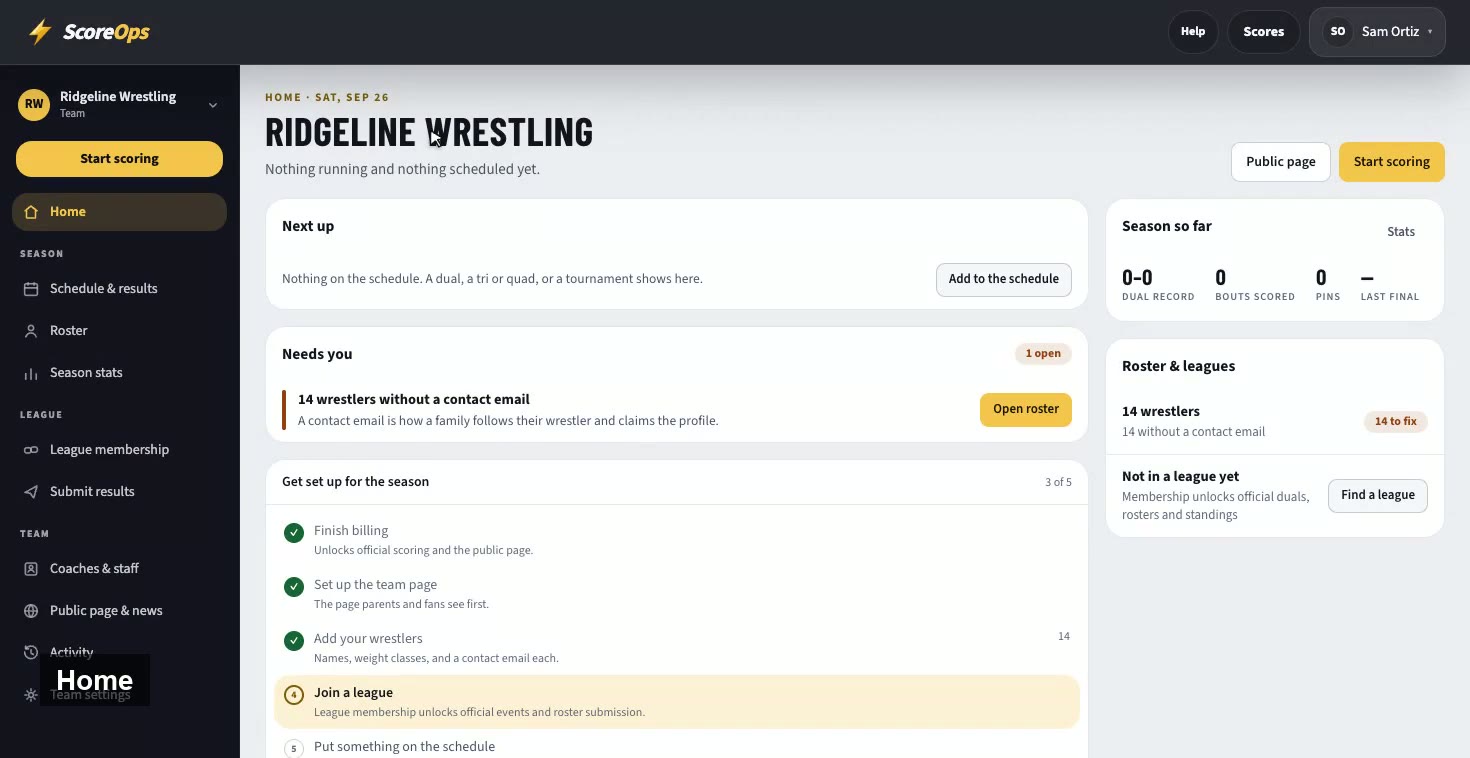
Home, the roster, the schedule, live scoring, league membership, staff and your public team page, in one walk-through.
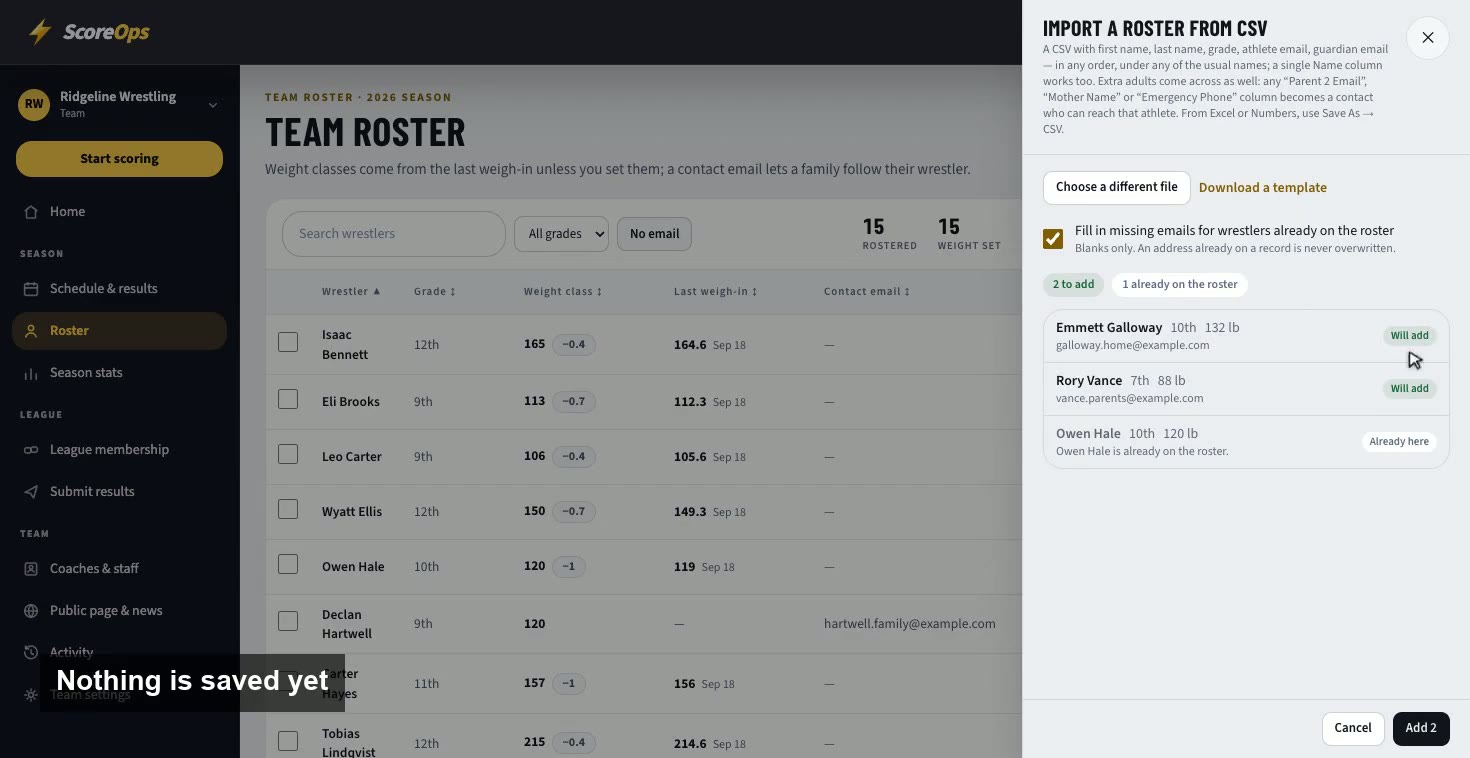
Add a wrestler by hand, or import last season's spreadsheet. Every row is shown before anything saves, so nobody is entered twice.
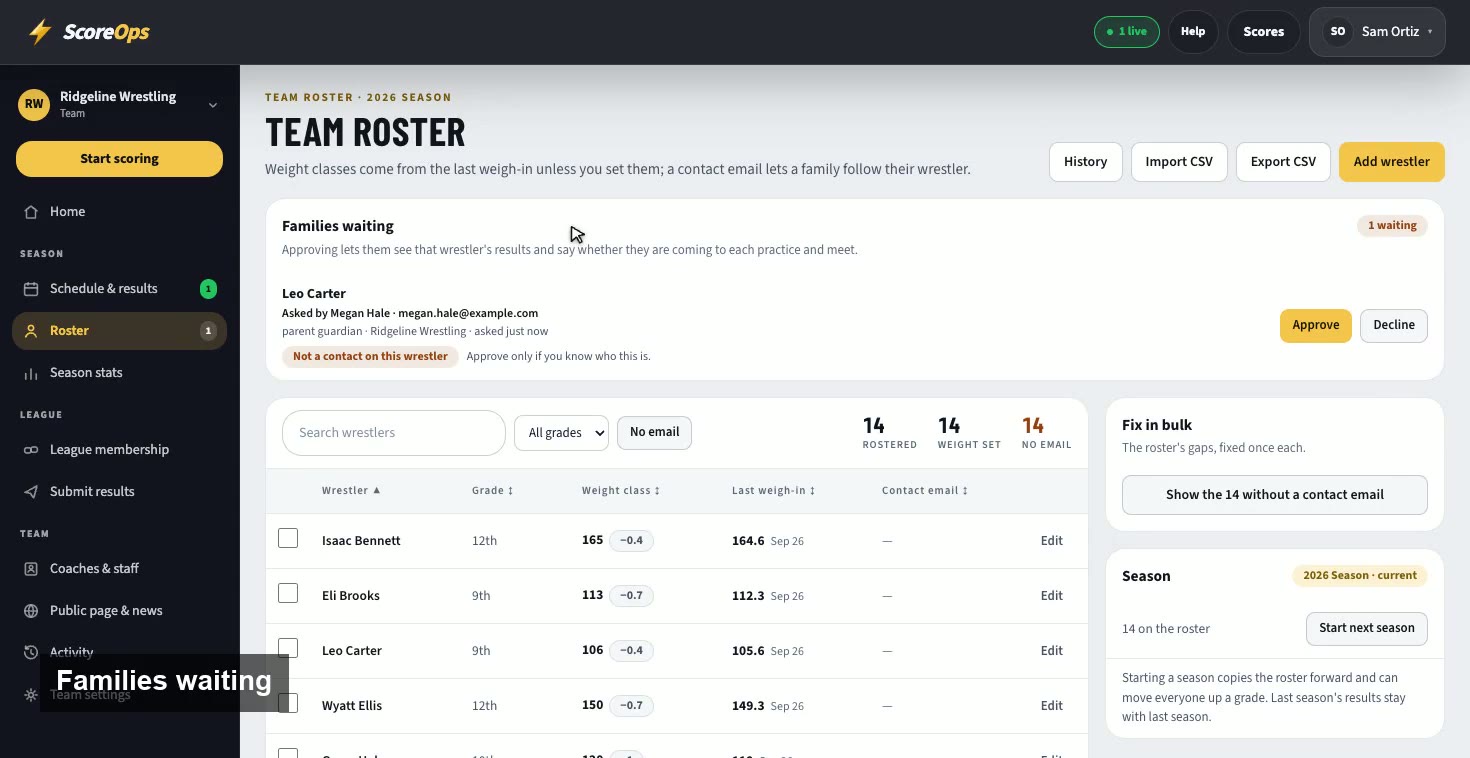
Invite the adults on each wrestler's record by email, and approve the families who ask to follow from the app.
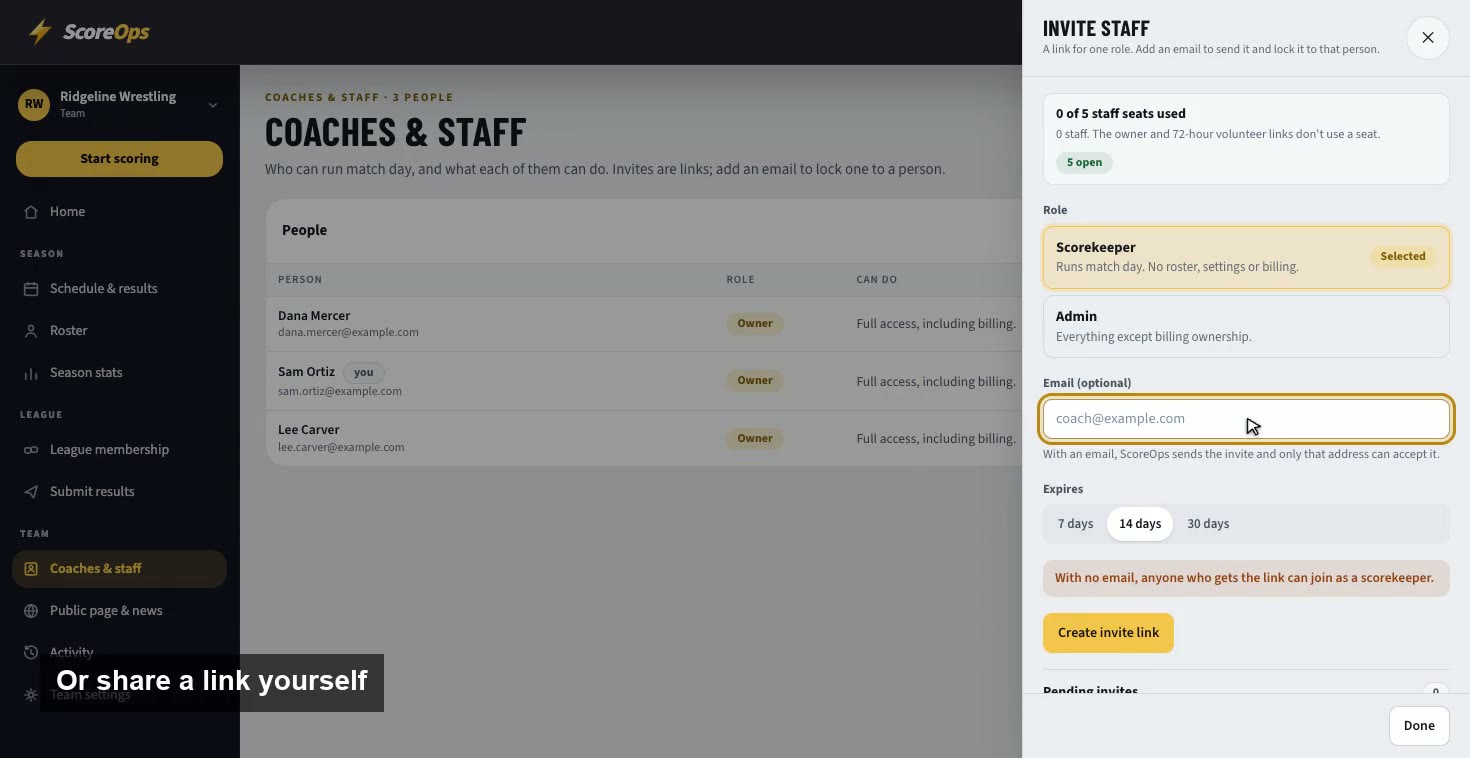
Give each coach and scorekeeper their own sign-in, with only the access their job needs.
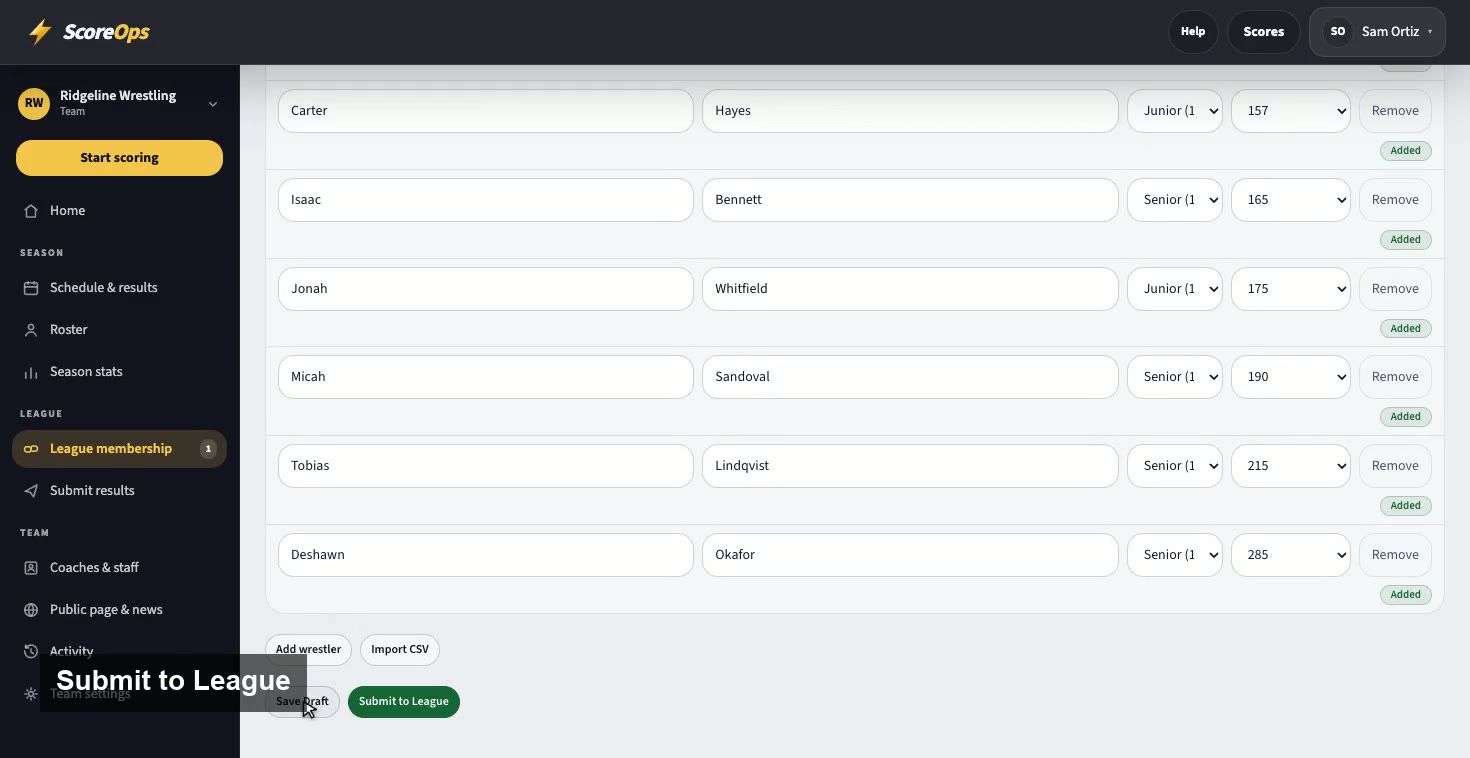
Accept your league's invitation and send in your roster, from the team's side of the league.
For leagues
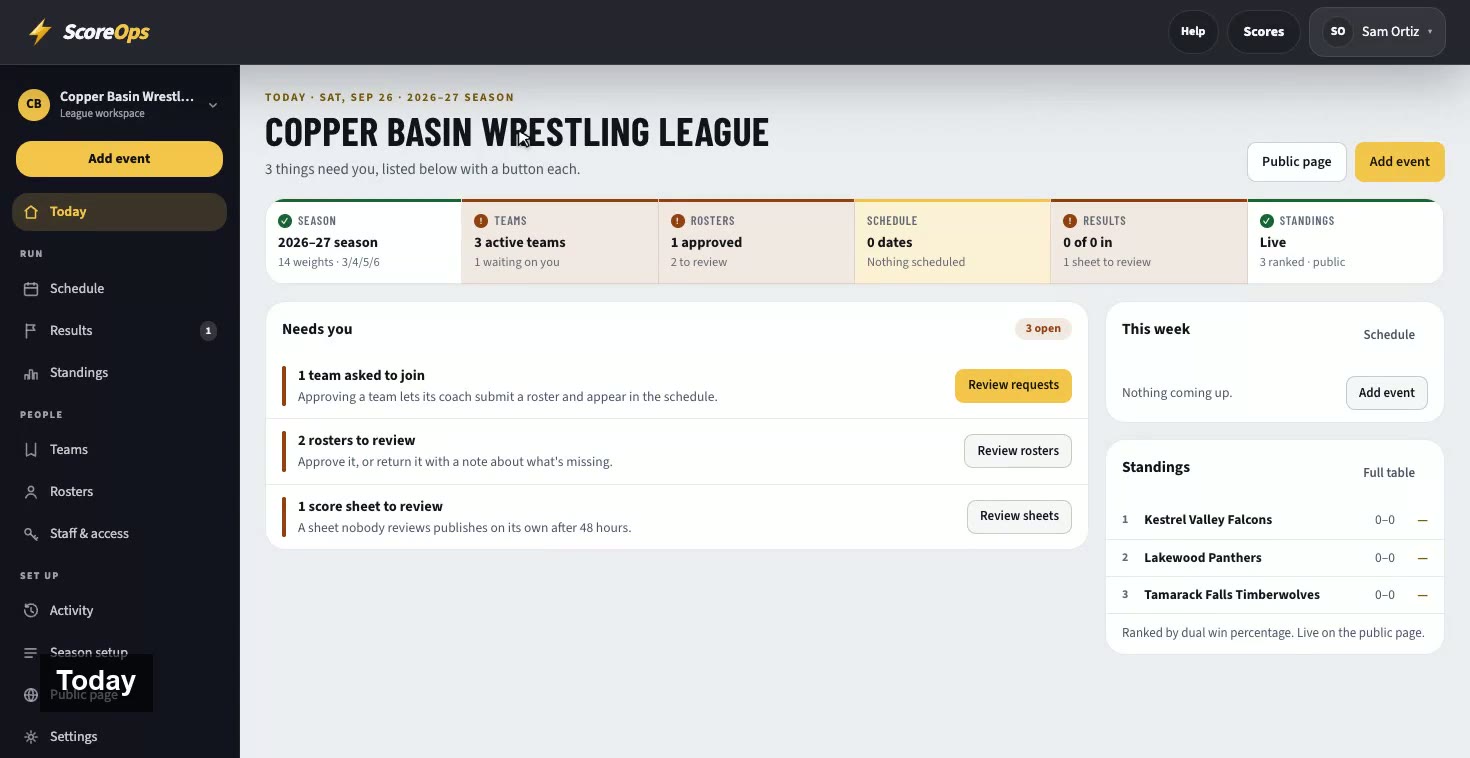
Today, season setup, teams, rosters, the schedule, results and standings: a league's whole season in one place.
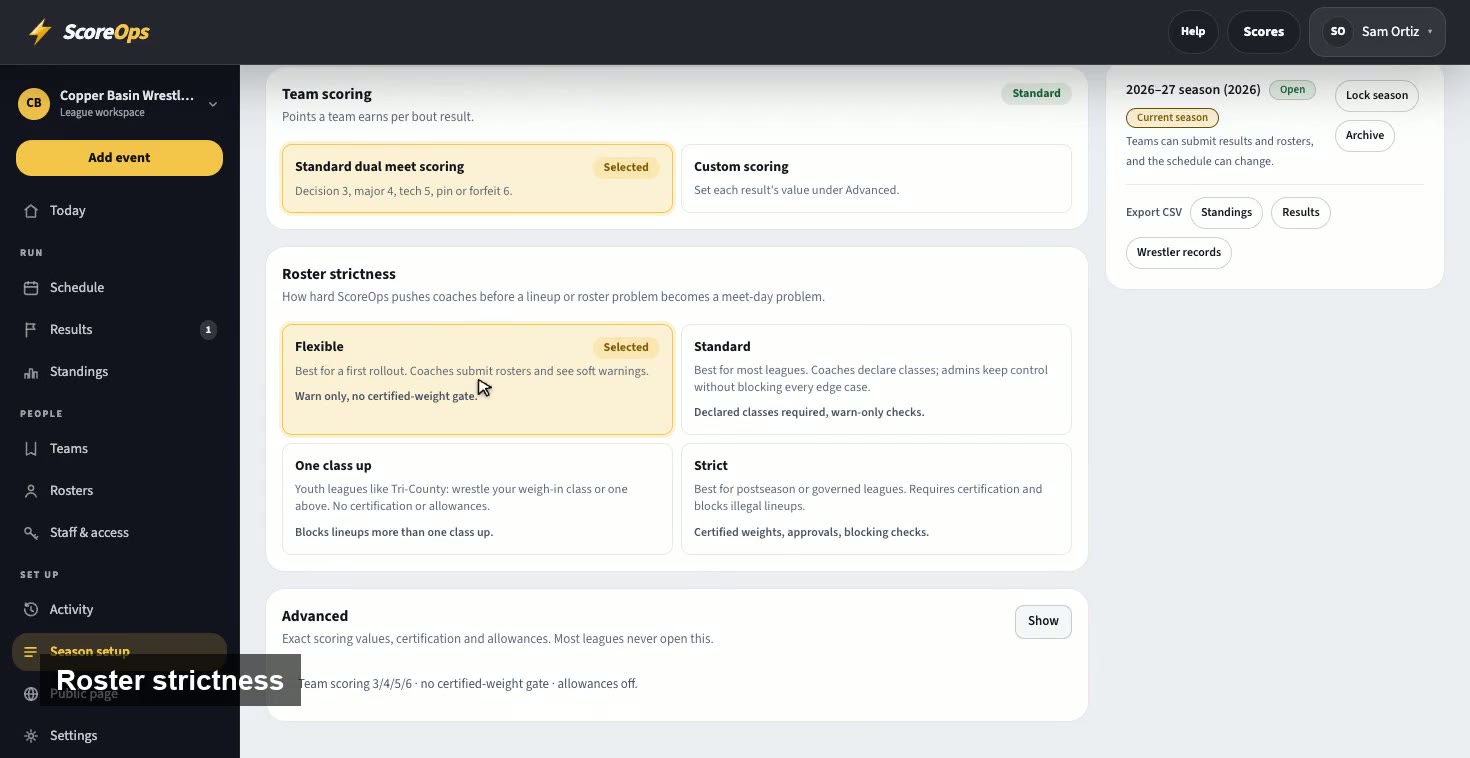
Weight classes, team scoring and how strict rosters are, set once for every dual in the league.
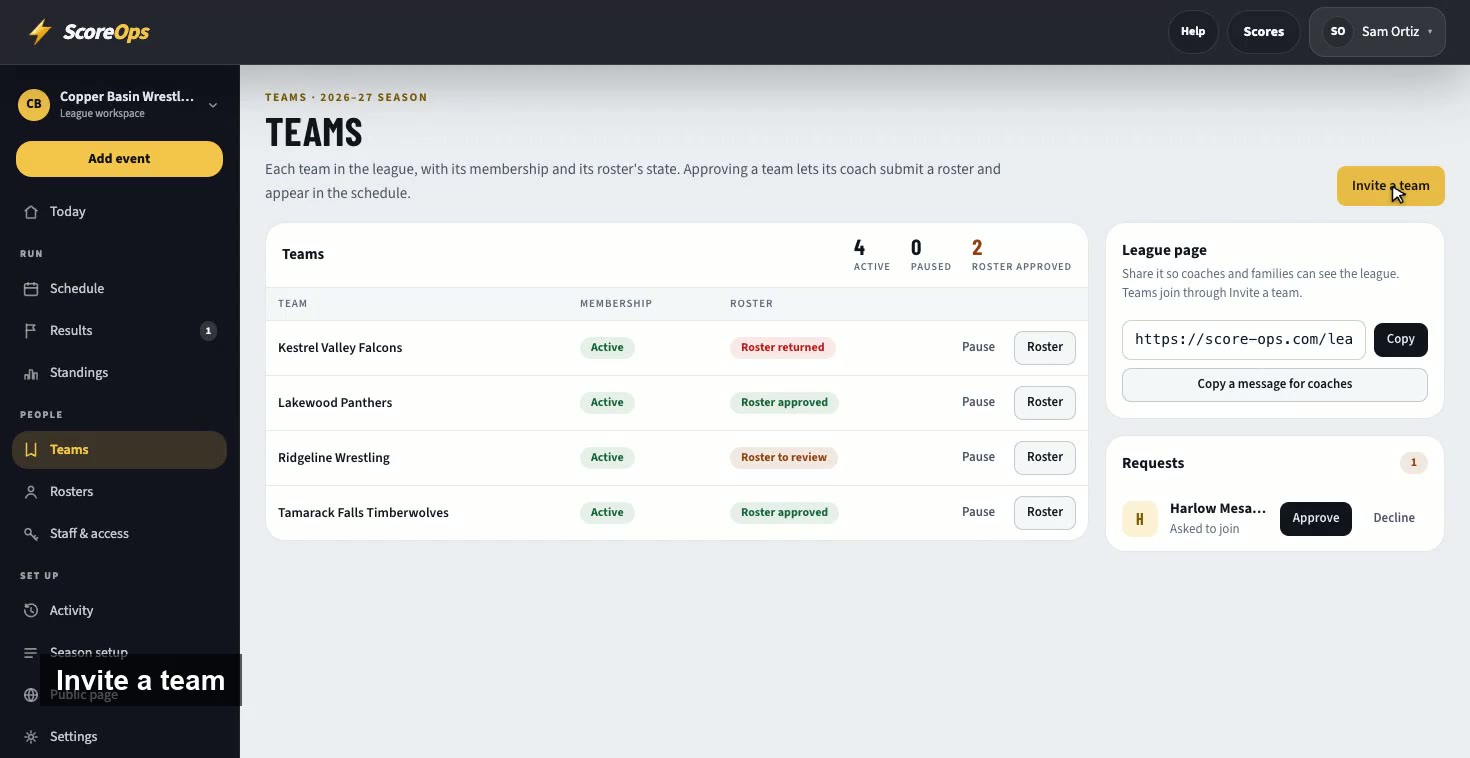
Invite each team by email, and approve the teams that ask to join.
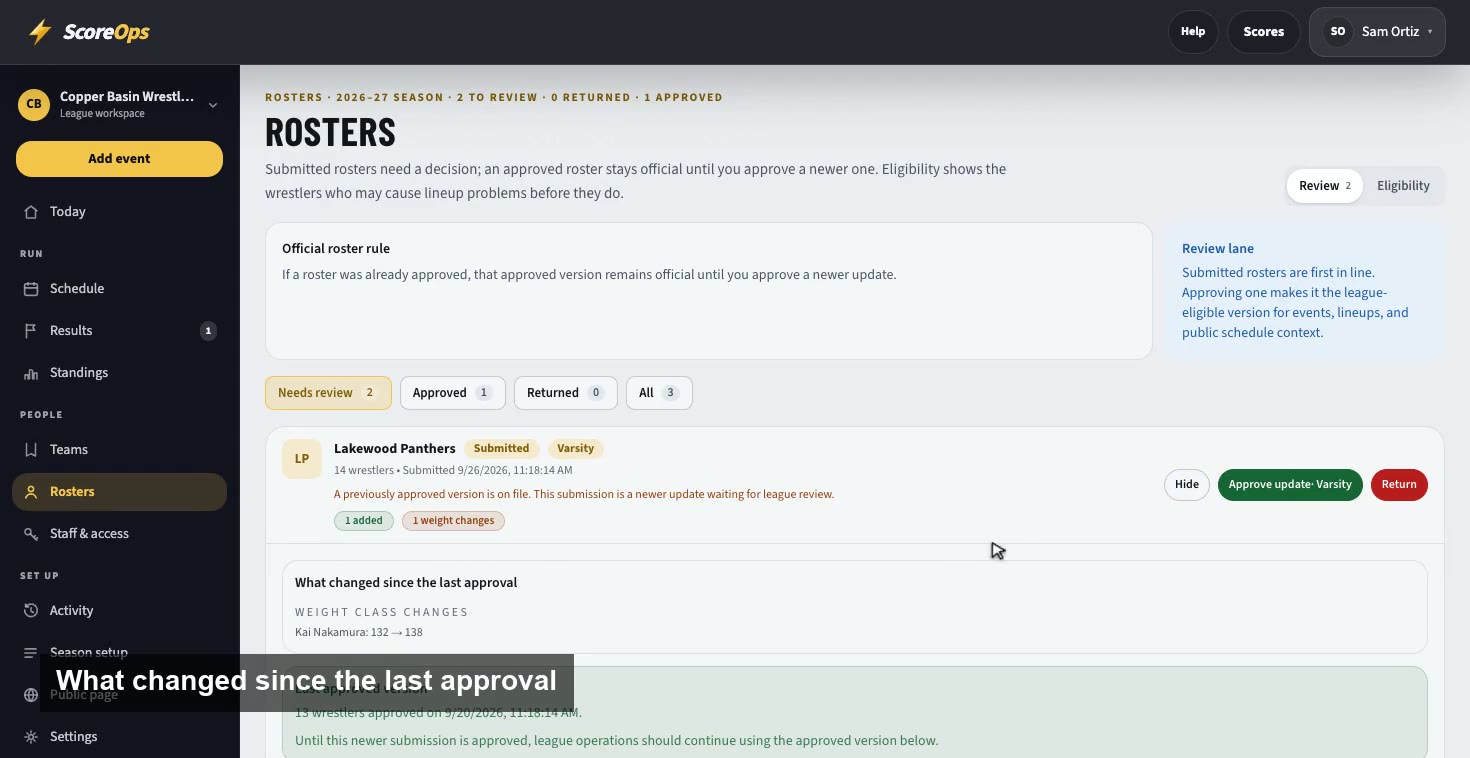
See exactly what changed since a roster was last approved, then approve it or send it back with a note.
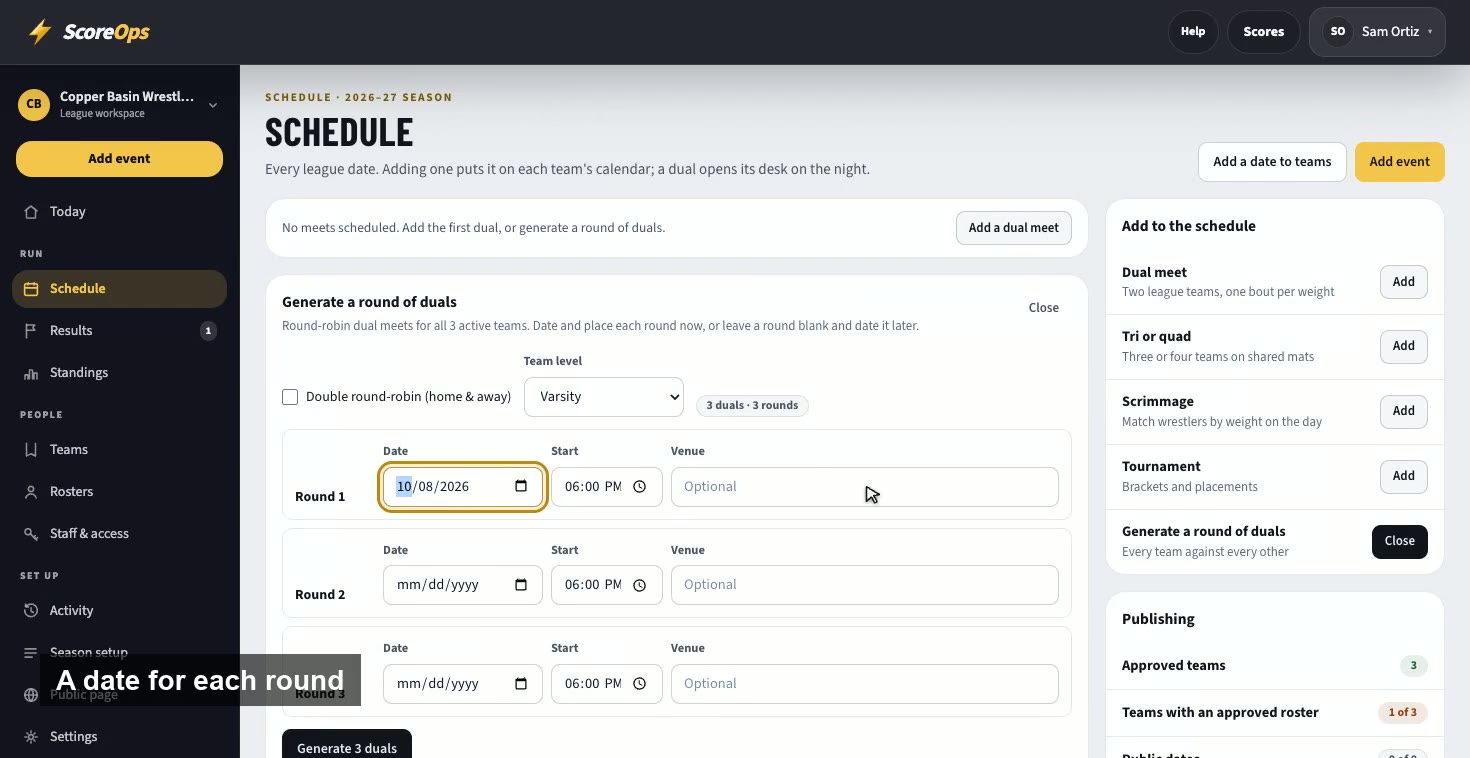
Generate a full round of duals, with a date and a gym for each round, and every team's calendar updates.
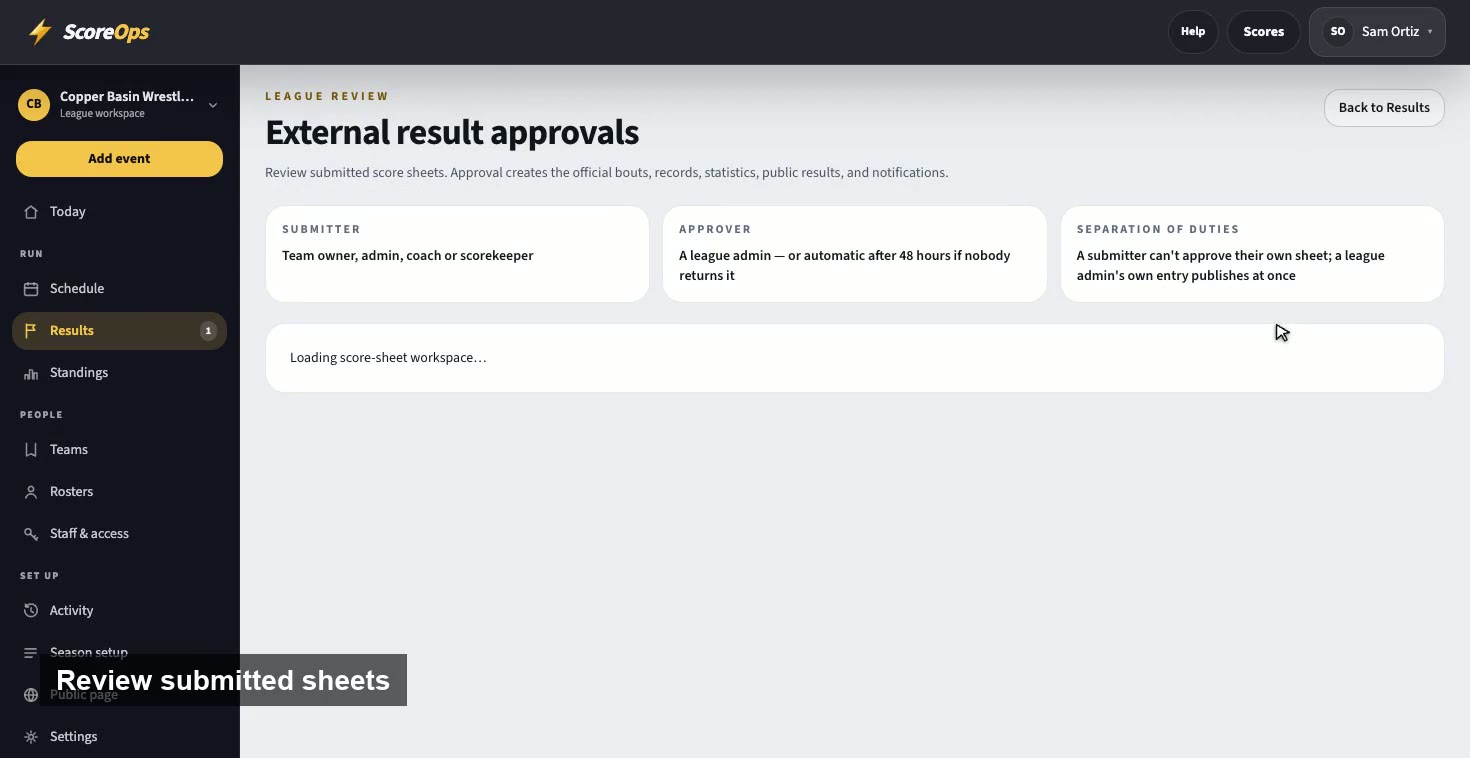
Results arrive scored live or on a paper score sheet. Review a sheet, approve it, and the standings update.
Meet day, for teams and leagues
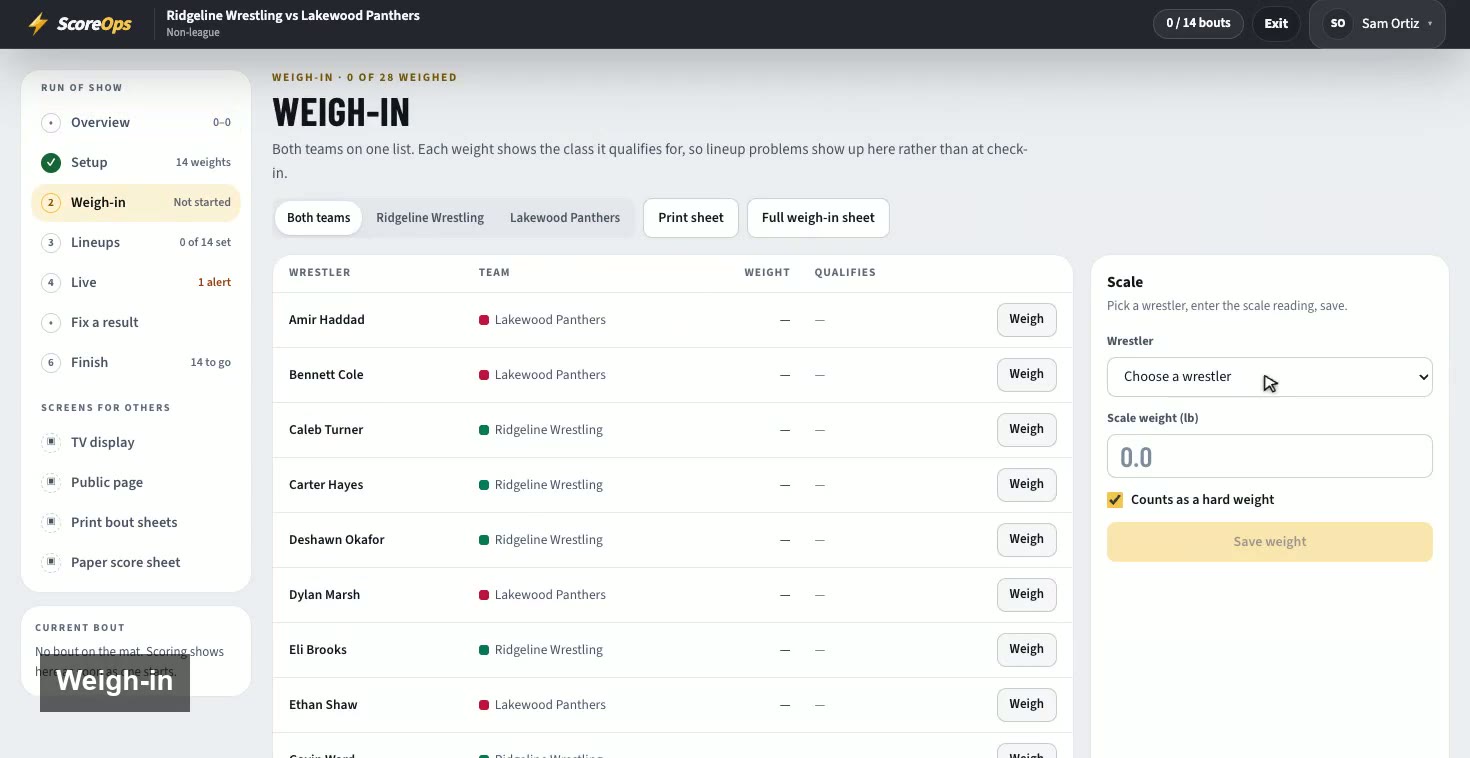
Create a dual, weigh both teams in, and set the lineups, weight by weight.
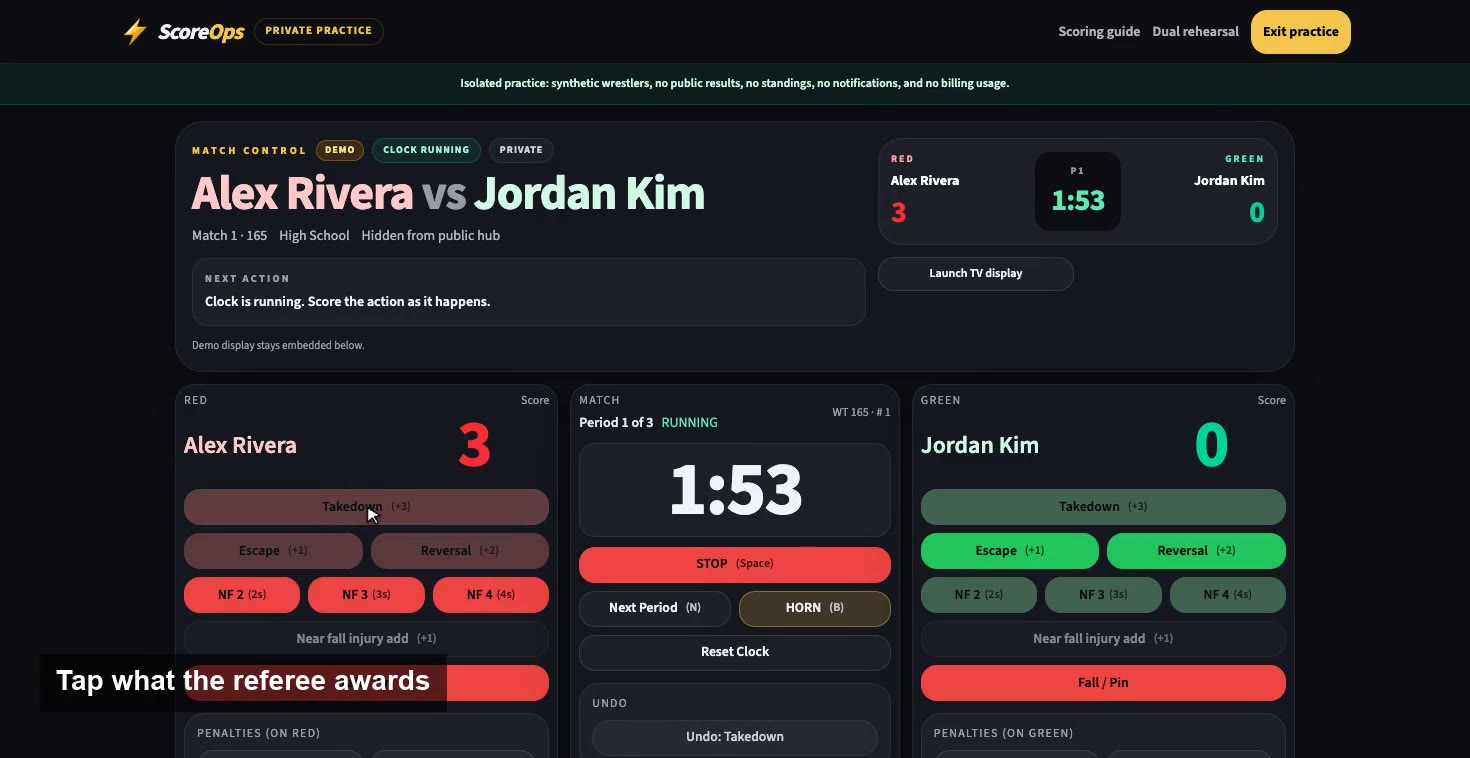
Start the clock, score what the referee awards, undo a mistake and finish on a pin, with the keyboard shortcuts.
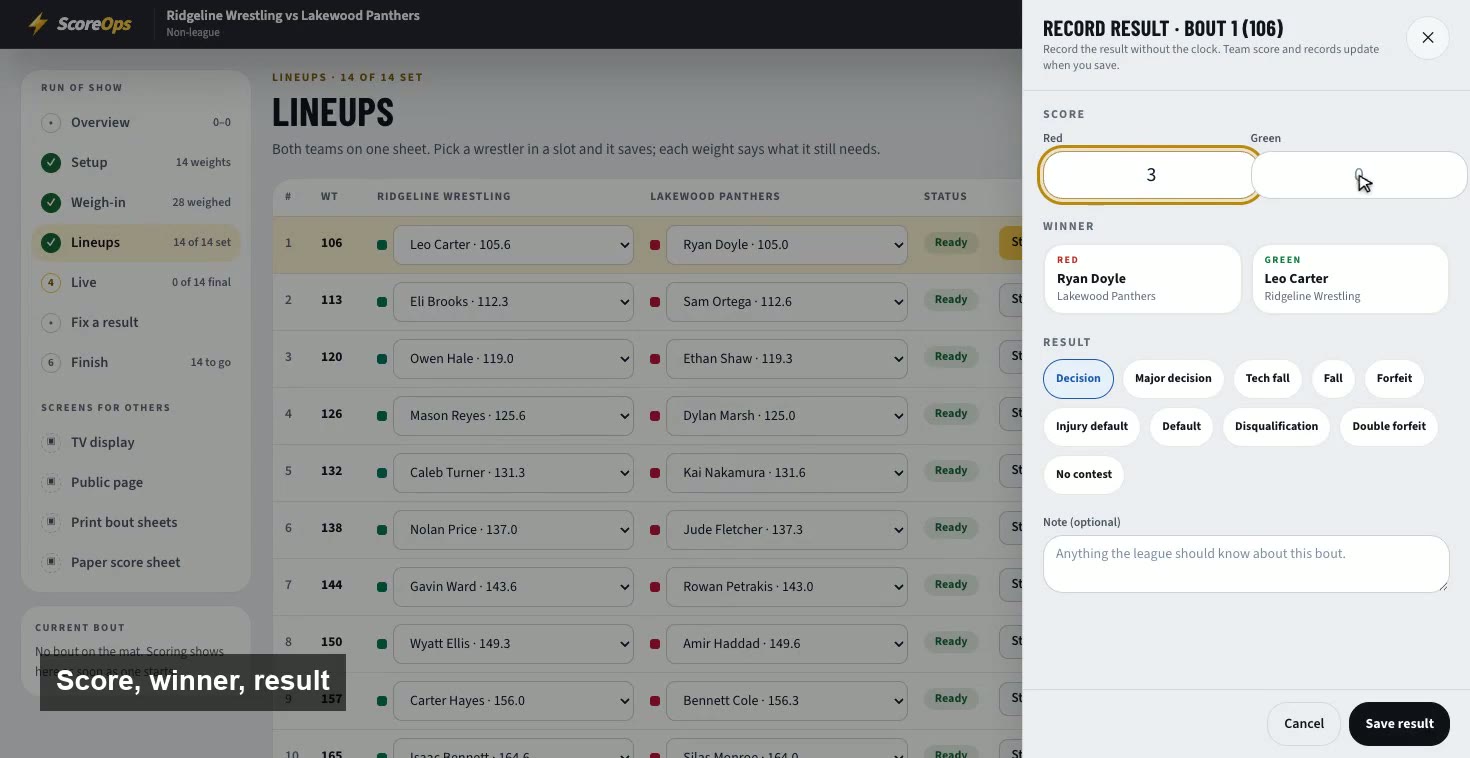
Score on paper? Enter any bout's result afterwards, and it counts exactly like one scored live.